Choose a template or upload your own
🛒 Tools for creators
Sponsored13% OFF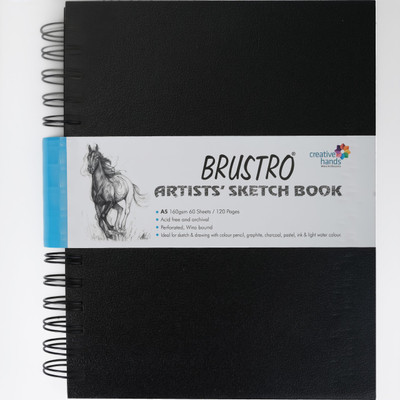
Sketchbook
BRuSTRO Bound Artists Sketch Book, A5 Size, 120 Pages, 1…
₹295₹339
You save ₹44
Price on Flipkart · can change at any time
40% OFF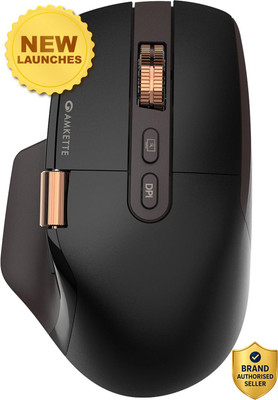
Wireless mouse
AMKETTE XS Flow 2 Speed Ergonomic Optical Mouse with Upt…
₹2,999₹4,999
You save ₹2,000
Price on Flipkart · can change at any time
75% OFF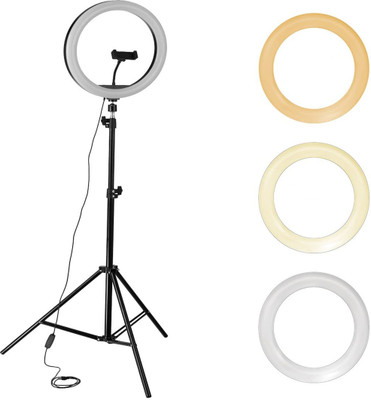
LED ring light
Flipkart SmartBuy 10 inch Big LED Selfie Ring Light with…
₹499₹1,999
You save ₹1,500
Price on Flipkart · can change at any time
As an Amazon Associate, TekPulse earns from qualifying purchases at no extra cost to you; Flipkart links are affiliate links too. Prices shown are Flipkart's and can change — always confirm on the store. Learn more.
Advertisement
What is Meme Generator?
Free online meme generator. Add custom top and bottom text to popular meme templates or upload your own image. Download instantly, no watermark. Creative design tools that work entirely in your browser without any software. TekPulse's Meme Generator is completely free — no signup, no ads in results, and no data stored on our servers.
How to Use Meme Generator Online
- Browse the built-in meme template library or click "Upload Image" to use your own photo
- Enter your top text and bottom text in the fields provided
- Adjust font size, text colour, and stroke colour to customise the look
- Click "Download Meme" to save as a PNG
- Share directly to WhatsApp or copy the meme image to your clipboard
Why Use TekPulse Meme Generator?
Runs Entirely in Your Browser
Text is drawn onto a canvas client-side — your image is never uploaded anywhere
6 Built-In Templates or Your Own Image
Pick a ready-made template or upload any photo as your meme base
Custom Top & Bottom Text
Set font size, text color, outline color, and choose from 4 fonts including classic Impact
Instant PNG Download
Download your finished meme immediately, no watermark added
Share & Embed
Help others discover this free tool. Share it or embed it on your website.
Free to embed with attribution link to tekpulse.in
Frequently Asked Questions
Was this tool helpful?